Operations
4 min read
When Events Go Sideways: What Good Contingency Planning Actually Looks Like
Weather and last-minute disruptions expose gaps in most event teams' plans. Here is how flexible tech and clear processes reduce the chaos when things go wrong.
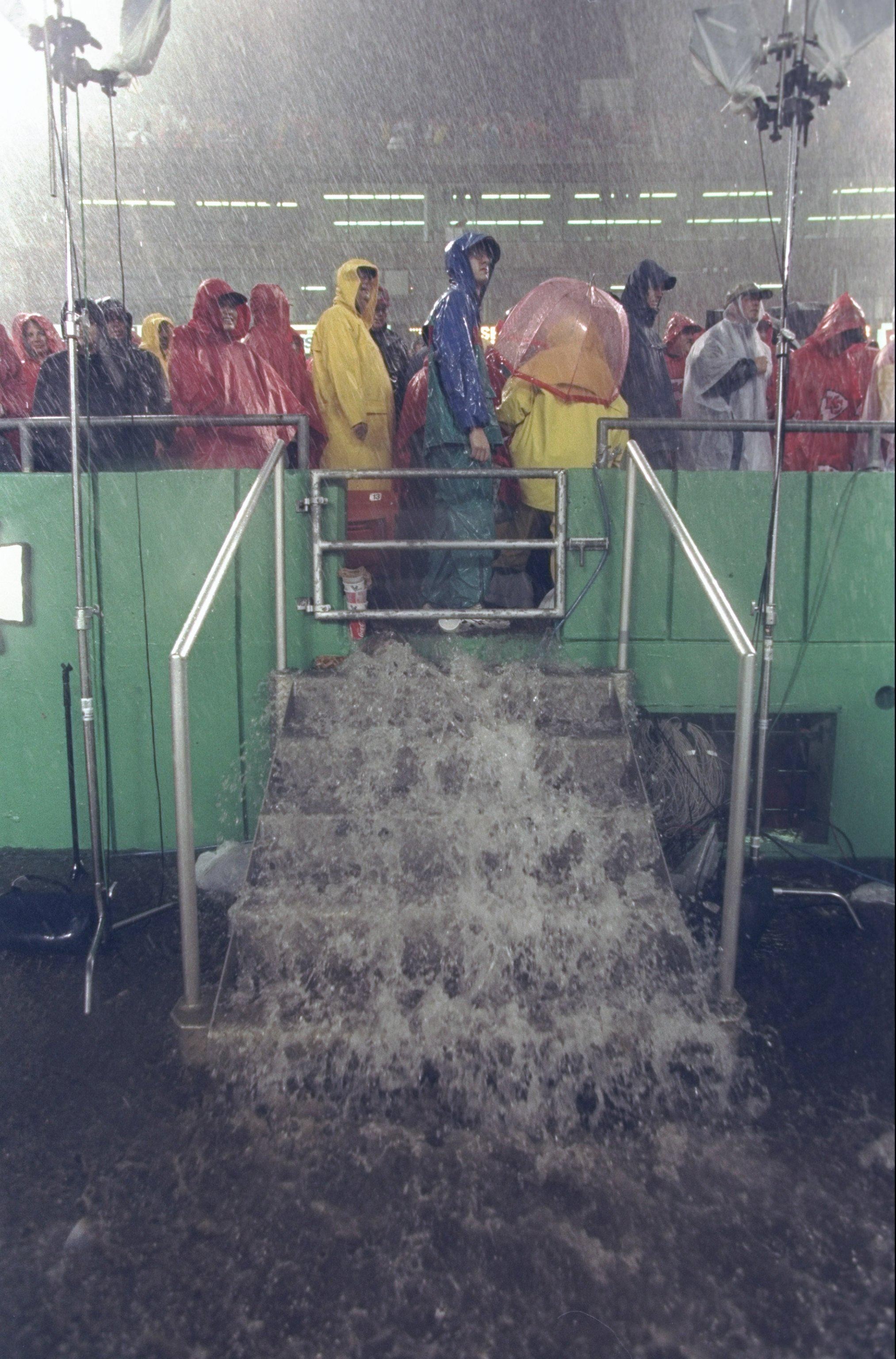
We published a blog recently on how to plan events with extreme weather, and it raised a question worth paying attention to: what happens when an event has to change at the last minute because something outside the organizer's control goes wrong?
The examples were familiar: outdoor events called off at short notice, attendees left waiting for updates, refund processes moving slowly, and teams scrambling to work out what happens next. Whether the disruption comes from severe weather, a venue issue, a speaker dropping out, or another unexpected problem, the pressure on the event team is the same.
The uncomfortable truth is that many teams don't have a real contingency plan. They have a general idea of what they’ll do if something goes wrong. The gaps only become obvious when they need to act quickly.
That's when teams discover how many everyday event processes depend on everything going according to plan.
Where the Gaps Usually Show Up
From what we're hearing from event managers, disruption tends to expose the same weak points:
Attendee communications: There is no fast way to reach everyone at once. Teams end up relying on a mix of email, social media, and hoping attendees see the update.
Ticketing and refunds: Changing ticket status, issuing refunds, or moving in-person attendees to virtual access often requires manual work across multiple systems.
Rescheduling logistics: Moving an event to a new date or changing the format can mean rebuilding the registration page, resending invitations, and reconciling attendee data.
Reporting and accountability: Once the immediate problem is over, teams still need to work out who was notified, who attended, who dropped off, and what the disruption meant financially.
None of these problems is impossible to solve. They're simply much harder to solve when your team is already dealing with the disruption.

What Good Preparation Actually Looks Like
We'd split contingency planning into two areas: process and platform.
On the process side, the basics matter.
Decide who has the authority to cancel or postpone an event. Prepare message templates for common disruption scenarios. Agree on your refund and rescheduling policies before you need them.
These decisions are easy to make when everyone is calm. They're much harder when an event is already falling apart.
On the platform side, ask whether your event technology is fast enough to support the decisions you're making.
For example:
Can you reach all registered attendees within minutes?
Can you change ticket availability or process refunds without developer support?
Can you move an in-person event online without losing your registration data?
Can you see who has been notified and who hasn't?
If any answer is no, or the process takes hours, that's a gap worth fixing before your next major event.

Most importantly, your organization’s needs should determine the kind of event technology you invest in. We’ve broken down what different teams should look for, so you can focus on platforms that fit your budget, event type, and day-to-day workflow:
Looking for Event Management Software for Nonprofits? Here's What to Look For
What’s the Best Event Management Software for Small Businesses? Here’s What to Look for
Looking for Event Management Software for Corporate Events? Here's What to Look for
How Mingloft Approaches This
We built Mingloft so in-house event teams can manage communications, ticketing, and event details from one place.
That matters on a normal event day, but it matters even more when something unexpected happens.
When attendee data, messaging, and ticketing controls live in the same system, your team spends less time moving information between tools and more time making the decisions the situation actually requires.
Technology won't stop the rain. It won't prevent a speaker from canceling. What it should do is remove the administrative scramble that follows.
A Simple Test for Your Next Event
Take your next major event and imagine you have to cancel or postpone it with 24 hours' notice.
What happens first?
Who makes the call?
How do attendees hear about it?
How are refunds handled?
What happens to tickets?
How quickly can you move the event online?
Where does the updated attendee list live?
Walk through the process step by step. Wherever your team gets stuck is where your contingency plan needs work.
And if your current tools are part of the problem, that's worth addressing before the next disruption forces you to find out the hard way.