Software
5 min read
Looking for Event Management Software for Corporate Events? Here's What to Look for in 2026
Choosing the right event management software for corporate events can make or break your program. Here is exactly what in-house teams and agencies should evaluate before signing a contract in 2026.

Picking the wrong event management software for corporate events is an expensive mistake.
You are mid-planning a 500-person sales kickoff and the platform cannot handle tiered registration, your legal team flags a compliance gap, or finance wants a report format the tool simply does not export. We have seen it happen.
The good news is that a focused evaluation process, before you commit, eliminates most of those surprises. So below is the framework we recommend to every corporate team and agency that comes to us (step by step).
Why Corporate Events Have Different Software Needs
Consumer-facing events and corporate events share a surface-level similarity: both need registration and check-in. But the similarities stop there.
A Corporate Event in Session
Corporate programs typically involve internal stakeholders with approval chains, procurement requirements, SSO mandates, branded experiences for multiple business units, and post-event data that feeds into CRM and HR systems. A platform built for indie concert promoters is not architected for that reality.
So when you evaluate tools in 2026, keep the corporate context front and center. Corporate event software should reduce complexity, not create more of it, by bringing planning, collaboration, compliance, and reporting together in one place. That's the lens we'll use to compare the leading platforms below.
Must-Have Features to Evaluate On Corporate Event Software
1. Flexible Registration and Ticketing Logic
Corporate events rarely have a single attendee type. You need to accommodate executives, employees, clients, press, and sponsors, often with different access levels, pricing (including complimentary tickets), and custom questions. Look for a platform that supports:
Promo and discount codes tied to specific attendee groups
Approval-based registration workflows for invite-only sessions
Group registration for team bookings
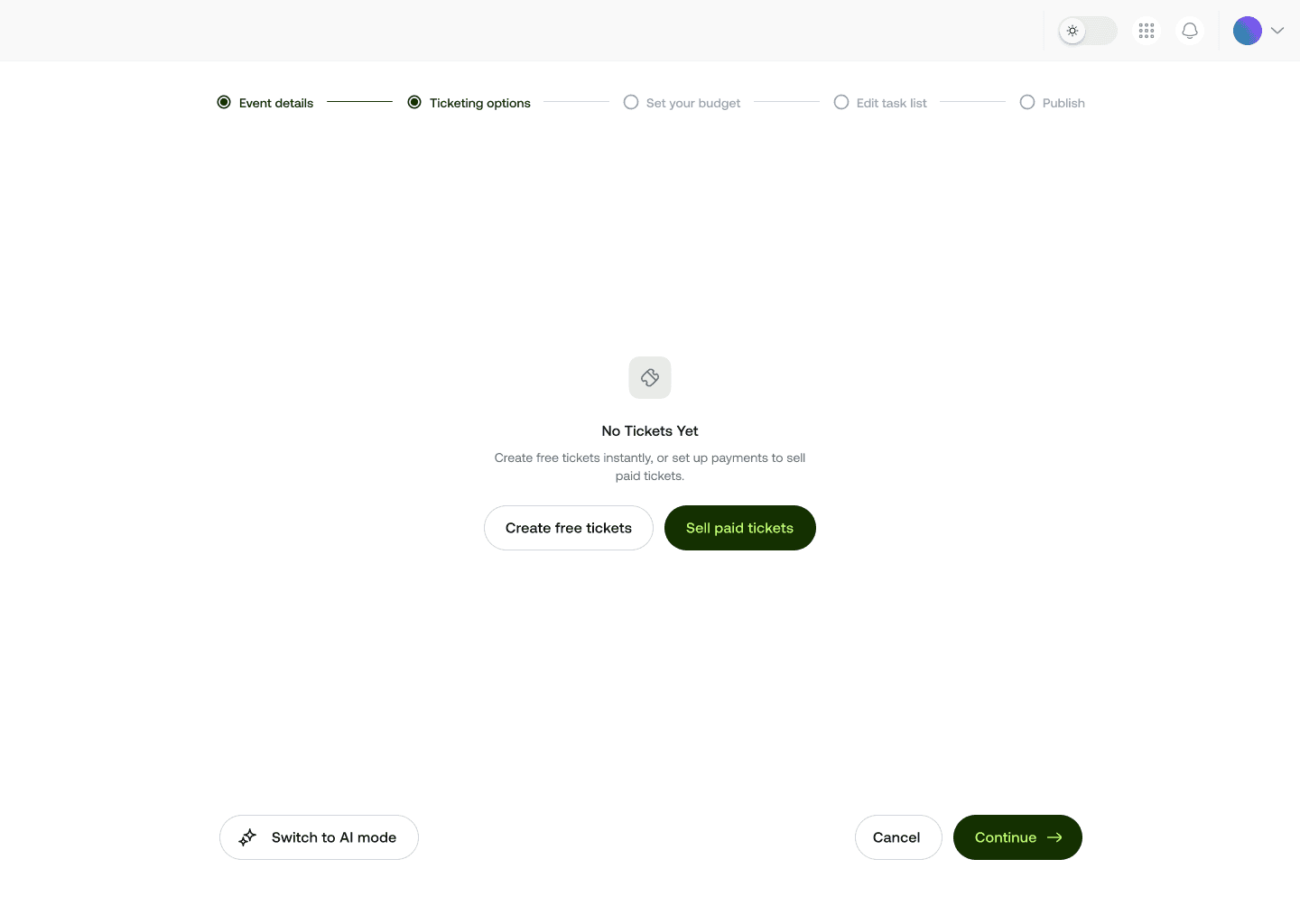
Mingloft allows you to choose your ticket tiers
If the registration builder requires a workaround for any of those scenarios, that friction compounds across every event you run.
2. Brand Control Without Developer Dependency
Your events are brand touchpoints. A registration page that screams "third-party software" undercuts the experience you are trying to create.
Evaluate how deeply you can white-label the platform: custom domains, full color and typography control, branded confirmation emails, and the ability to remove the vendor's logo entirely.
In-house teams managing multiple brands and agencies running events for several clients need this flexibility without filing a support ticket every time.
3. Integrated Event Website and Agenda Builder
Juggling a separate website CMS, a registration tool, and an agenda app is a coordination tax. The best event management software for corporate events brings these together.
You should be able to publish a polished event site, embed your agenda, and open registration from one workspace. Even when last-minute speaker changes happen (and they will), you update once and everything stays in sync. You literally keep your guests in the loop.
4. Attendee Communication and Automation
Manual email blasts at 11 PM the night before a conference are not a system. Look for built-in communication tools that let you:
Schedule pre-event reminder sequences
Segment messages by ticket type or registration status
Send targeted follow-ups after the event
Automate waitlist notifications
Automation here is not a luxury. It is the difference between a two-person team pulling off a 1,000-person event and burning out trying.
5. On-Site Check-In and Badge Printing
The lobby experience sets the tone. Slow check-in lines create anxiety before a keynote even starts.
An event attendee checking in
Evaluate whether the platform supports QR code scanning on any device, self-check-in kiosks, and on-demand badge printing without proprietary hardware locks.
Speed and reliability matter more than flashy features here.
6. Reporting and Data Portability
Every corporate event has a business case behind it. You need to prove ROI to leadership, reconcile revenue with finance, and feed attendee data into your CRM or marketing automation platform. Before you sign any contract, confirm:
Whether native integrations exist for Salesforce, HubSpot, or your HRIS
How granular the real-time dashboards are during live events
Data retention policies and who owns the attendee data
7. Security, Compliance, and Access Controls
IT and legal will ask these questions even if you do not. For corporate use, prioritize platforms that offer:
- SSO and SAML support,
- GDPR-compliant data handling,
- Role-based permissions so junior coordinators cannot accidentally publish or delete critical content, and
- Clear data processing agreements.
Skipping this due diligence creates risk that lands on your desk after something goes wrong.
So here's what you should ask your vendor:
"Can you walk me through how a corporate client with three internal business units manages separate events under one account?"
The answer here tells you more about the platform's actual architecture than any feature checklist.
Now we could go on and on about what you should be on the lookout for, and it will take ages! So beyond all the points we've shared above, also ask about:
Onboarding timelines,
Whether your team gets a dedicated contact or a shared support queue, and
What the contract looks like if your event volume changes mid-year.
And you'll be covered!
How Mingloft Is Built for Corporate Teams
We designed Mingloft specifically for corporate planners and teams running really strict event programs. That means a single workspace where in-house teams can manage every event across departments, and agencies can organize client accounts cleanly:
Our registration builder handles complex attendee logic without code.
Our white-label tools give you full brand control on a custom domain.
Built-in communication workflows, real-time dashboards, and native integrations mean your data goes where your team already works.
And our support team is staffed by people who understand event operations, not just the software.
If you are evaluating platforms for corporate events you're managing, we would love to show you exactly how Mingloft handles your specific use case.
You can jump in and start a free trial here, or book a walkthrough with our team, so we show you how to best use the platform based on your needs!