Software
5 min read
All-in-One Event Planning Software & Co-pilot for Event Teams
Most events get run across six different tools. Here's how Mingloft pulls planning, ticketing, guests, budgets, and your team into one place with Aria doing the repetitive work for you.

Most events don't get run from one place. They get run from about six.
A spreadsheet for the budget. An inbox for the invites. A ticketing site that sends your guests off to someone else's checkout. A group chat where half the team's decisions go to die. A separate doc for the run sheet. And you in the middle, copying numbers between all of them and hoping nothing fell through a gap.
The tools that sell your tickets were never built to plan your event. So we built the one that does.

Here's everything Mingloft handles now, and how each part actually works:
Aria, your AI copilot
Aria is the part of Mingloft that does the work you'd otherwise do by hand. She isn't a chatbot bolted onto the side. She's connected to your real event data, so you can talk to her the way you'd brief an assistant who already knows the file.
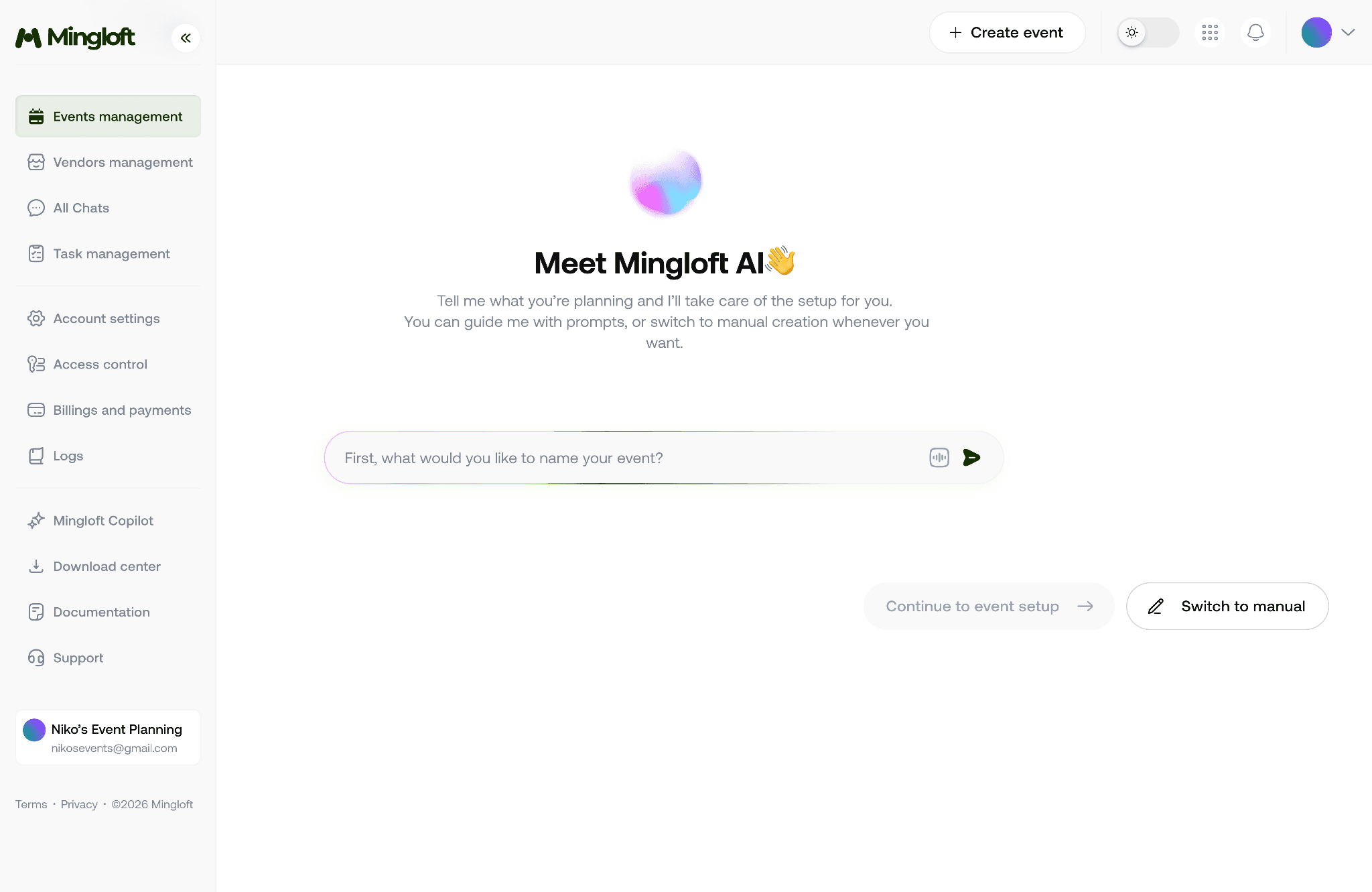
Aria chat interface
Tell her what you want done, and she does it:
"Invite Sarah to my summit."
"Mark the venue booking as done."
"Assign catering to John."
"Create 100 free general admission tickets."
"Change the event description."
She also keeps an eye on the things you forget to check. When spend passes 85% of the budget, when ticket sales go quiet, when a task slips past its due date, or RSVPs are coming in low, she tells you before it turns into a problem.
Each morning, she gives you a briefing on what needs attention across every event you're running, so you start the day knowing where to look.
And she knows the UK market. Real vendor rates for venues, catering, AV, photography, DJs, florists, and security across London, Manchester, Birmingham, Edinburgh, and Bristol. Event licences, insurance, GDPR, health and safety, and cancellation policies.
Event creation
The hardest part of any event is the blank page on day one.
Describe what you're planning in plain English, and Aria builds the full structure for you, including the type, the format, and the bones of the plan.
Prefer to do it yourself? There's a step-by-step wizard that walks you through it. Physical, online, or hybrid; corporate, networking, conference, community meetup, hackathon, fundraiser.
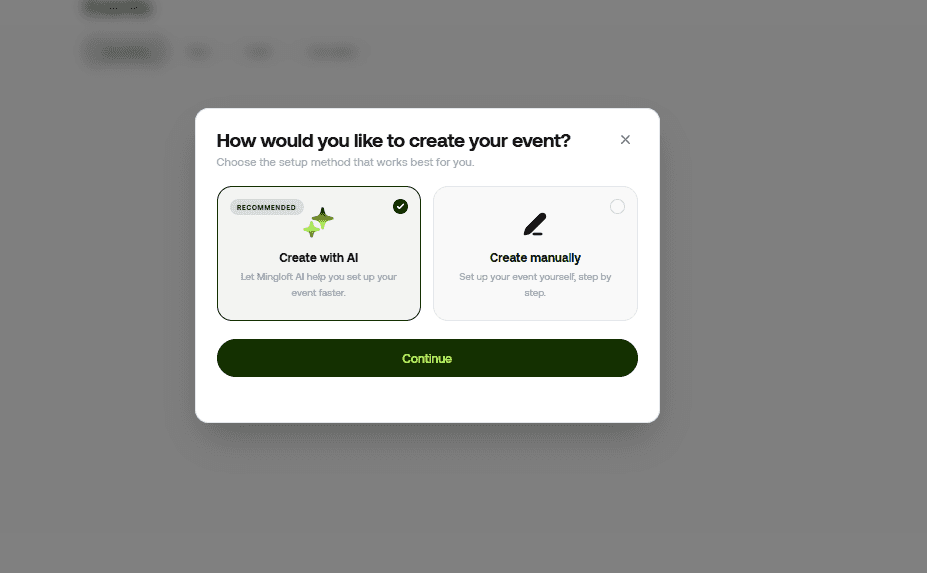
Create events manually or with AI
Save it as a draft and come back to it, add your background image and branding, and publish when it's ready.
Ticketing and payments
Your checkout should live on your event, not redirect your guests to a brand that isn't yours.
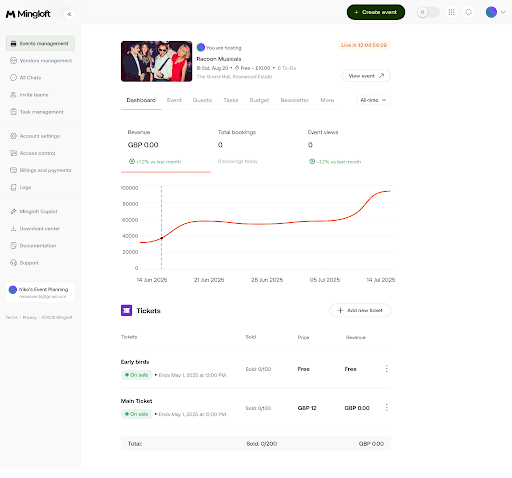
Ticket sales dashboard with sell-through tracking
Mingloft handles tickets in the same place you plan everything else. Set up free or paid tiers: Early Bird, Regular, VIP, General Admission, running at the same time, each with its own quantity limits and sale windows.
Payments run through Stripe, so it's secure and your guests trust it. You only pay 5% on paid tickets; free events cost nothing. Sales update on a live dashboard with sell-through tracking, and refunds go through Stripe within 30 days of purchase.
Start selling your event tickets with Mingloft.
Guest management
Chasing RSVPs by hand is its own part-time job.
Invite guests by email from inside the platform and watch responses move through pending, accepted, and declined in real time, with a live count and attendance rate as it builds.

Guest management on Mingloft
Send one bulk reminder to everyone who hasn't replied yet. Reminder emails go out automatically at seven days and 24 hours before the doors open.
On the event day, check people in, and export the full list whenever you need it.
Manage your guests on Mingloft
Tasks
The task that gets missed is almost always the one that lives in a WhatsApp message.

Task creation on Mingloft
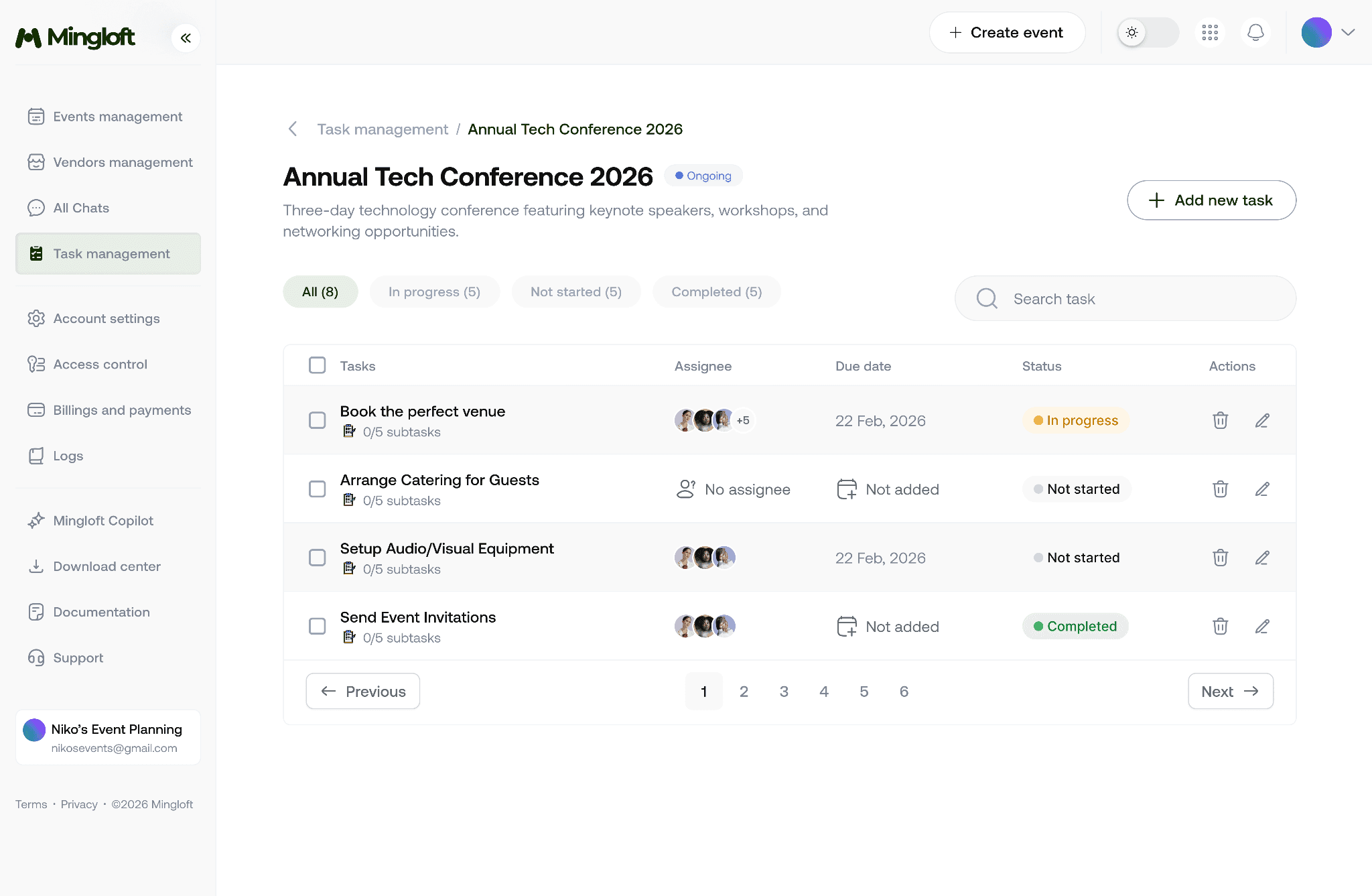
Create tasks, assign them to the right person, set due dates, cost estimates, and categories, and track everything through To Do, In Progress, and Done.
Aria also generates a full task list from your event type and details, so you're not rebuilding the same checklist every time. She'll update, assign, and complete tasks on command, and flag anything overdue before it bites.
One page shows every task across every event you're running.
Manage your event tasks on Mingloft.
Team and access
A lot of event chaos is really an access problem: the right person locked out, the wrong person able to change things they shouldn't.
Invite your team by email with secure, unique links. Three roles keep it clean: Owner has full control, Manager can edit, and Contributor can view and pitch in.
Team management on Mingloft
Anyone without an account is walked through setup on first access, and permissions hold across the whole platform. For an agency running layered teams across different clients, that's the difference between delegating and babysitting.
Budget
A budget that takes half a day to build shouldn't break the moment one invoice lands.
Set your total when you create the event and track spend by category: venue, catering, AV, marketing, staffing, miscellaneous. Watch actual against budgeted as it moves, get an alert when you cross 85%, and check your per-head cost at any point.
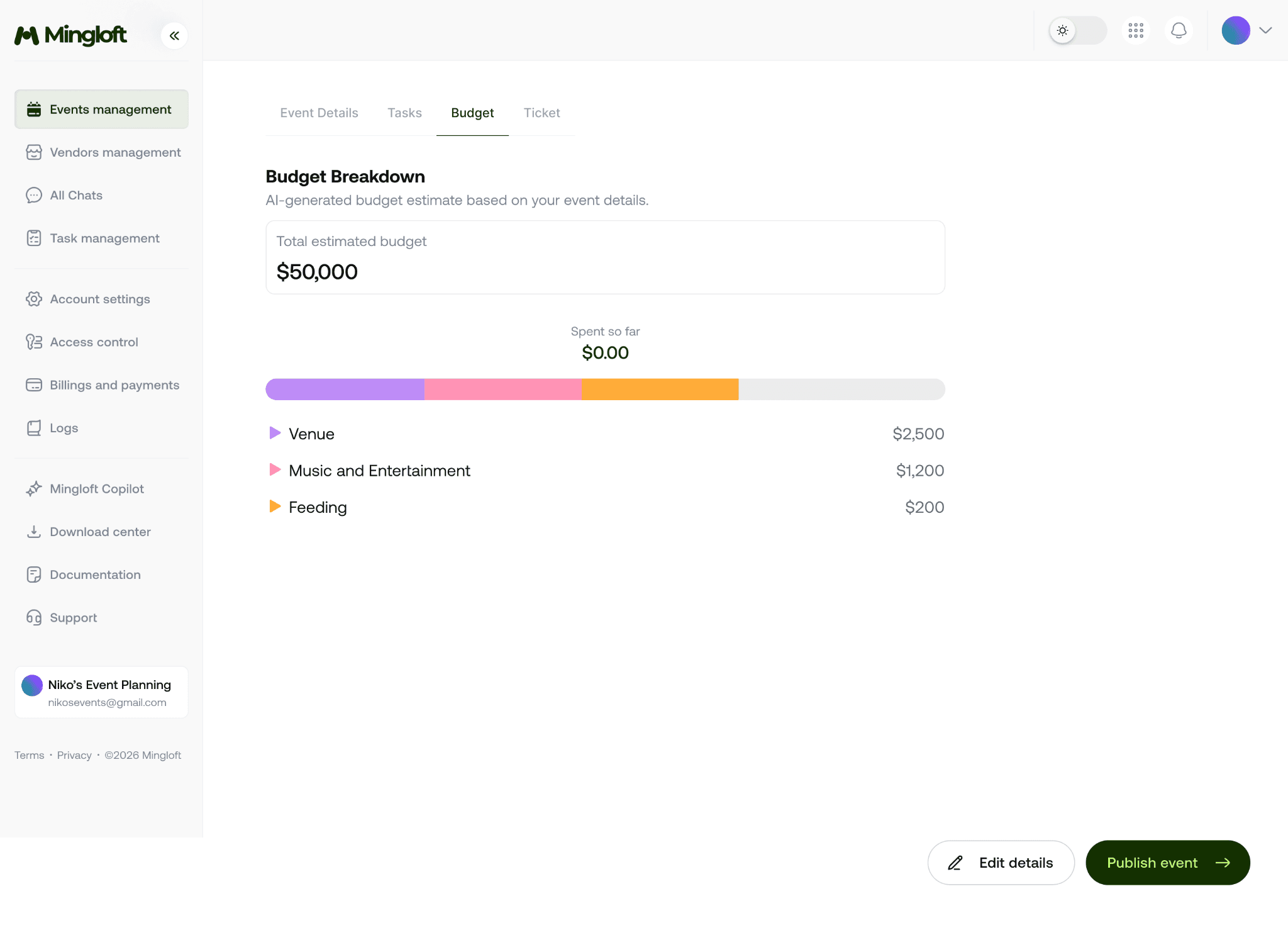
Budget breakdown on Mingloft
Mingloft compares your numbers to similar events in your city, so you know whether you're paying over the odds before you commit, not after.
Manage your event budgets with Mingloft.
One place, not six
That's the thread running through all of it. Events, tickets, guests, tasks, team, budget and Aria in a single platform. The repetitive work that used to take 30 minutes takes about 30 seconds. The things you used to forget get flagged before they cost you anything.
Run one event a month or fifty at once. Mingloft scales with you.
Want to Get Started?
There's a plan for solo planners, for agencies running several events at once, and for enterprise teams with ongoing programmes. See plans to find the one that fits, and start using Mingloft today. And if you need more help, just book a session with our demo team.