Analytics
6 min read
Event Data Analytics: What Should You Track Before, During, and After an Event?
Stop guessing whether your event worked. Learn what to track before, during, and after an event to improve turnout, engagement, and ROI.

Most event planners are drowning in data but starving for insight.
Registration numbers live in one tool. Engagement data sits somewhere else. Feedback is buried in survey forms that only a fraction of attendees complete. You end up with plenty of numbers, but very little clarity on what actually worked or what needs to change next time.
This is the core problem in modern event planning: data is everywhere, but it is disconnected.
Event data analytics is how you fix that. It helps you move from counting attendance to understanding performance across the entire event lifecycle. In simple terms, it answers three questions:
Will this event succeed before it happens?
Is it actually working while it is happening?
Did it deliver value after it ends?
This guide breaks that down into what to track before, during, and after your event so you can make better decisions, not just better reports.
What is Event Data Analytics?
Event data analytics is the process of turning raw event data into decisions.
It is not just reporting attendance or revenue. It is understanding patterns across the full attendee journey and using them to improve future events.
And there are three layers:
Data: Raw numbers like sign-ups, check-ins, and ticket sales
Metrics: Structured measurements like conversion rate or NPS
Analytics: The interpretation of what those numbers mean and what you should do next
While most teams stop at metrics, high-performing teams go all the way to analytics.
Pre-Event: Predicting Success Before It Happens
Before your event starts, your goal is not just tickets and how many you’re going to sell. It is to understand demand and predict outcomes, and here are the main areas you should be focusing on:

Pre-event preparations
📌Registration velocity
This is the speed at which people are signing up. A slow start can signal weak positioning, while sudden spikes often reflect strong channel performance.
What it tells you: whether your event is on track or needs intervention.
📌Marketing channel performance
Not all traffic is equal. Some channels drive high-intent attendees, others inflate numbers without conversion.
What it tells you: where to invest more and where to pull back.
📌Email engagement
Open rates and click-throughs show whether your audience is actually paying attention.
What it tells you: how strong your messaging is before the event.
📌Registration drop-off rate
This is where people abandon the sign-up process.
What it tells you: whether your registration flow is creating friction.
📌Ticket sales velocity
This helps you forecast final attendance based on current trends, not guesswork.
What it tells you: whether to increase marketing spend or adjust targeting.
The real goal of pre-event analytics is simple: stop guessing turnout and start predicting it
If your sales are slowing down or your RSVPs are flat, Aria can help flag that early so you can act before the numbers slip further:
During Event: Tracking Real Engagement
Once the event starts, attendance alone is not enough. Presence does not equal participation.
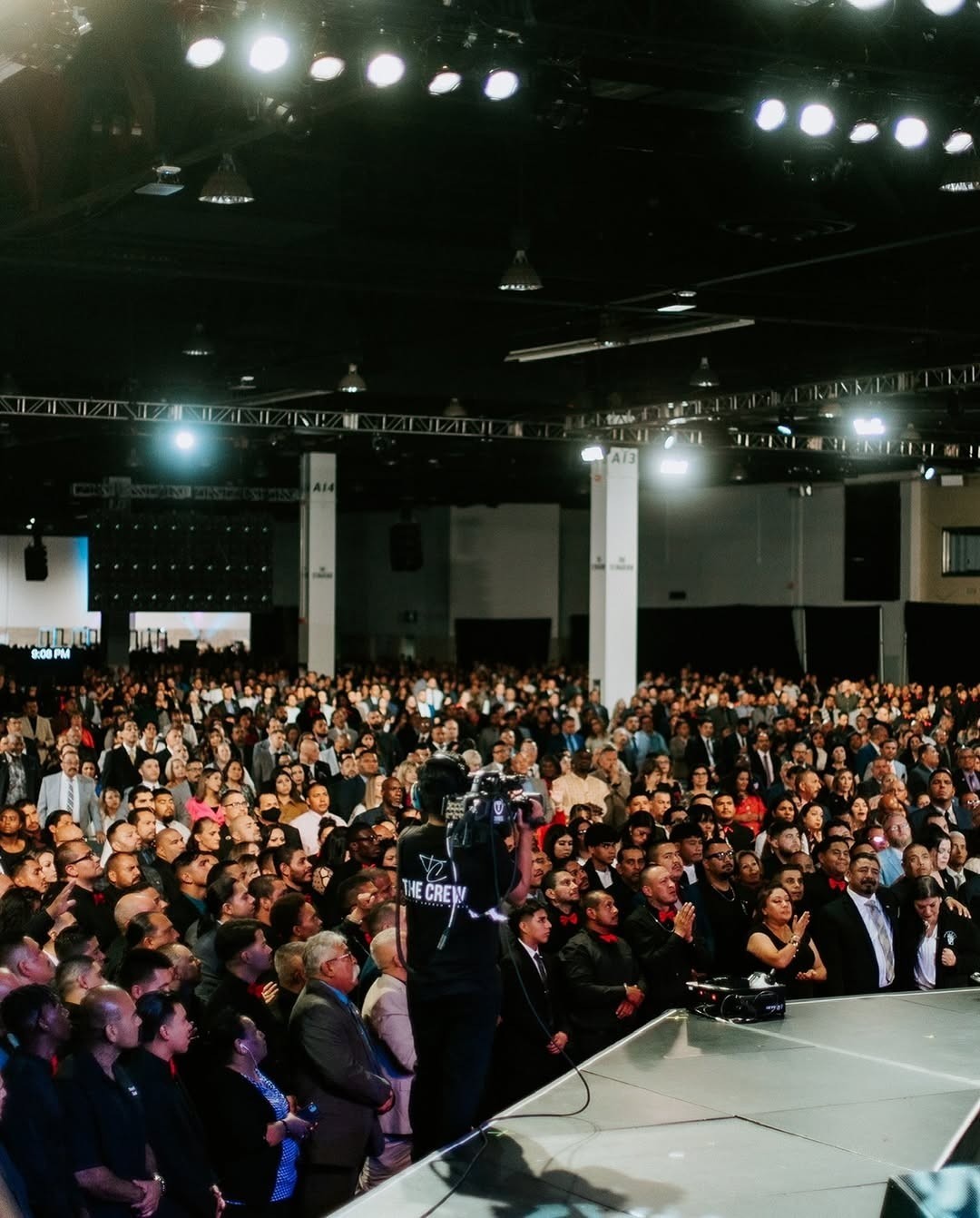
People listening to an event speaker
📌Check-in rate
This shows how many registered attendees actually showed up.
What it tells you: the accuracy of your pre-event forecasts.
📌Session attendance
Which sessions people actually attend reveals what topics are resonating.
What it tells you: content relevance and speaker performance.
📌Audience engagement
This includes Q&A participation, polls, and live reactions.
What it tells you: whether people are actively involved or just observing.
📌Networking activity
Tracks how attendees interact with each other.
What it tells you: whether your event is actually creating connections.
📌Sponsor interactions
Measures booth visits or digital sponsor engagement.
What it tells you: whether sponsors are getting value from participation.
The key shift here is simple: stop measuring presence and start measuring participation.
A live guest count and attendance dashboard helps you see what is happening in real time instead of waiting until the event is over.
Set up and run your live event dashboard on Mingloft.
Post-Event: Proving Value and ROI
After the event, your job is to prove impact and learn from what happened.

People socializing after an event
📌Net Promoter Score (NPS)
Measures how likely attendees are to recommend your event.
What it tells you: overall satisfaction.
📌Satisfaction scores
Breaks down feedback by specific areas like content, logistics, and experience.
What it tells you: what worked and what didn’t.
📌Revenue generated
Total financial return from ticket sales, sponsorships, or leads.
What it tells you: direct financial performance.
📌Pipeline influenced
Tracks how many leads turned into actual business opportunities.
What it tells you: long-term event value.
📌Repeat attendee intent
Shows whether people plan to return.
What it tells you: event loyalty and retention potential.
Post-event analytics is where you connect experience to outcome.
Mingloft helps you pull revenue, budgets, tasks, and engagement into one view so your ROI story is ready without the manual scramble.
Start running your events on Mingloft.
How to Build a Simple Event Dashboard
A good event dashboard does not show everything. It shows what matters. It should include:
Pre-event performance (registrations, velocity, conversion)
Live event activity (attendance, engagement, participation)
Post-event outcomes (satisfaction, revenue, pipeline)
The mistake most planners make is tracking too many metrics. A focused dashboard gives clarity. A cluttered one creates confusion.
Common Event Analytics Mistakes Event Organizers Make
Most teams do not fail because they lack data. They fail because they misuse it.
Common mistakes include:
Tracking too many metrics with no purpose
Focusing on vanity numbers like total registrations only
Ignoring post-event analysis
Keeping data in separate tools that do not connect
Failing to act on insights
Good analytics is not about more data. It is about better decisions.
If your reporting still lives in separate spreadsheets, it is time to simplify the workflow before the next event cycle begins:
How Mingloft Helps You Track Event Data in One Place
The problem with most event tools is fragmentation. Ticketing in one place. Guest lists in another. Budgets in spreadsheets. Reports are built manually after the event.
Mingloft solves this by bringing everything into one platform.
Before the event, you can track registration performance and ticket sell-through in real time.
During the event, you can monitor attendance and guest activity in real time.
After the event, Mingloft automatically pulls together revenue, budgets, tasks, and engagement data into a single view.
At the centre of it is Aria, your AI copilot, which monitors patterns such as slow ticket sales, low RSVP rates, and budget overruns, and flags issues before they become problems.
Instead of chasing data across tools, you get one connected system that shows you what is happening at every stage of your event.
If you want your planning, ticketing, guest management, and reporting to work together, Mingloft is built for that:
FAQs
How do you decide which analytics actually matter for your business?
Start with the decisions you need to make. Then track only the data that helps you make those decisions. If a metric does not change your actions, it is not useful.
What is the difference between event metrics and analytics?
Metrics are raw numbers. Analytics is understanding what those numbers mean and what you should do about them.
How do you measure event ROI?
By connecting event activity to outcomes like revenue, pipeline influence, or lead generation, not just attendance or engagement.
What is registration velocity, and why does it matter?
It shows how quickly people are signing up. It helps predict final attendance early enough to adjust marketing or messaging.
What should be included in an event dashboard?
Pre-event performance, live engagement data, and post-event outcomes all in one place.